


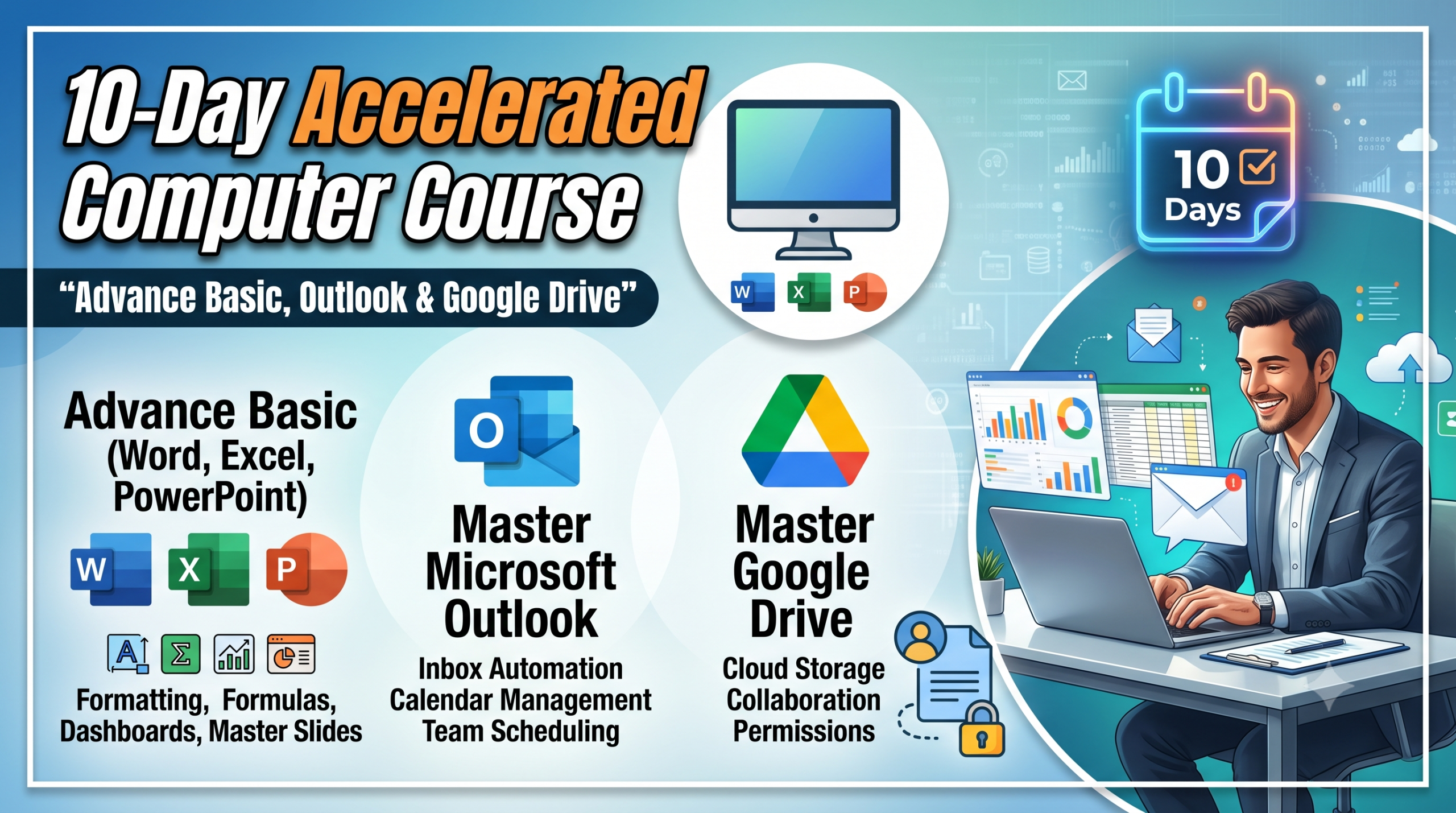
About Course
Course Overview
-
Total Duration: 10 Days (Recommended 1.5 to 2 hours per day)
-
Prerequisites: Familiarity with turning on a PC, using a mouse, and basic typing.
-
Objective: Shift from just “using” a computer to automating tasks, managing high-volume communication, and collaborating in the cloud.
Course Content
Part 1: Advanced Basics (Word, Excel, PowerPoint) — Days 1 to 6
-
Day 1: Advanced Microsoft Word (Speed & Formatting)
-
Day 2: Advanced Microsoft Excel (Data Handling & Shortcuts)
-
Day 3: Advanced Microsoft Excel (Formulas & Logic)
-
Day 4: Advanced Microsoft Excel (Analysis & Reporting)
-
Day 5: Advanced Microsoft PowerPoint (Design & Structure)
-
Day 6: Advanced Microsoft PowerPoint (Delivery & Animation)
Part 2: Corporate Email & Schedule Management — Days 7 & 8
Part 3: Cloud Storage & Collaboration — Days 9 & 10
Student Ratings & Reviews

No Review Yet